Paragraph 1 — The Pitch: A World Tour From Your Couch
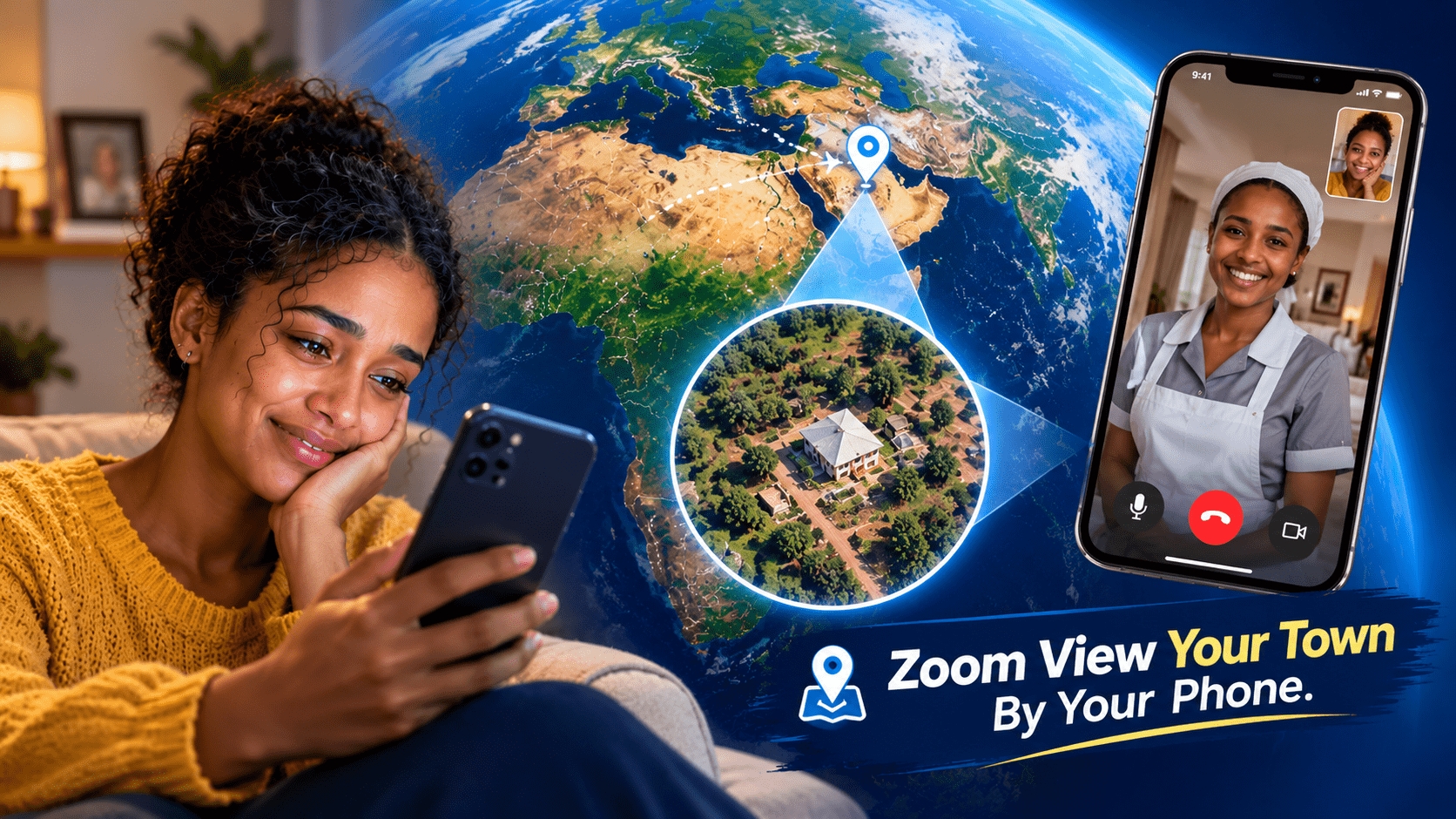
Few app concepts are as immediately appealing as the one behind Live Earth Map – Network Cameras, GPS & Satellite View. The promise is simple and seductive: install the app, and suddenly you're a virtual globetrotter. Satellite imagery, street-level views, live webcams from beaches and roads around the world, plus a GPS toolkit with a speedometer and compass—all in a single download. With more than 10 million installs and a staggering 124,000+ ratings, it's clearly struck a chord with users who want a lightweight way to explore the planet without buying a plane ticket. On paper, it's the Swiss Army knife of geography apps. In practice, as we'll see, the experience is a bit more complicated.
Paragraph 2 — What the App Actually Offers
To be fair to the developer, TarrySoft (listed under Alvva Inc. on Google Play), the feature list is genuinely ambitious. According to the store listing, the app bundles a surprising number of tools into one package:
- Live satellite map with zoom and pan for viewing any location on Earth
- Live webcams from beaches, roads, and natural sites worldwide, billed as HD quality
- Location tracker that records your routes and driving speed for later use
- Nearby Places to find everyday essentials around you
- Live traffic conditions to help plan alternative routes
- A 360-degree compass for basic orientation
- A speedometer with analog and digital displays
- "My Footprints" for saving, reusing, and sharing routes
- One-tap location sharing with friends and family
It's the kind of all-in-one feature set that appeals to casual users who'd rather not juggle five separate apps. The question is whether any single feature is executed well enough to justify the bundle.
Paragraph 3 — The Elephant in the Room: Advertising
Here's where the story takes a turn. Scroll past the polished store description and you'll find a chorus of frustrated reviews—and the most common complaint is advertising. One reviewer (July 2026) put it bluntly: "So disappointed. I'm here to look at the map, not ads. The ads can't even be closed and take up more than half the screen. Uninstalling." Another (September 2026) described "too many opening ads" as the app's biggest problem. The developer's response is consistent and transparent: ads appear in the free version, and the premium version is ad-free. That's a standard freemium model, but when the core function is looking at a map, an ad that covers half the screen isn't a minor annoyance—it's a direct obstacle to using the product. For a map app, screen real estate is the product.
Paragraph 4 — The Map Data Question
The second recurring complaint is more substantive: the freshness of the map data. One reviewer asked pointedly whether the maps ever update, estimating the imagery looked "at least 10 years old." Another noted that the map data simply wasn't current. This matters enormously for an app whose name contains the word "Live." Users opening a "live earth map" reasonably expect recent satellite imagery, functioning street view, and webcams that are actually streaming. If the imagery is stale, the app's central value proposition weakens considerably. It's worth noting that no consumer app can offer true real-time satellite imagery—even Google Earth relies on periodically refreshed datasets—but the gap between marketing language and user perception is where trust gets lost.
Paragraph 5 — Privacy and Data Practices
The Data Safety section on Google Play offers a useful, if slightly confusing, picture. The developer states that the app may share device IDs or other identifiers with third parties, that data is encrypted in transit, and—somewhat contradictorily alongside the sharing disclosure—that the app "does not collect any data." The listing also notes that data cannot be deleted. For a location-based app, this is precisely the category of information users should scrutinize. Device identifiers shared with third parties are typically tied to advertising networks, which aligns with the ad-supported model described above. None of this is unusual for free apps, but it's a good reminder to check permissions and privacy disclosures before granting a mapping app access to your location.
Paragraph 6 — Who Is This App Actually For?
Given the trade-offs, the honest answer is: casual, curious users with realistic expectations. If you want a free, lightweight way to peek at satellite views of a city you're visiting, check a webcam or two, and play with a compass and speedometer, the app delivers that experience at zero cost—provided you can tolerate the ads. If your needs are more serious, the calculus changes:
- Navigation and trip planning: Dedicated apps like Google Maps or Waze offer fresher data, real-time traffic, and turn-by-turn routing.
- Satellite exploration: Google Earth provides higher-quality, more frequently updated imagery.
- Serious GPS tracking: Standalone tracker apps with clear data policies are a safer bet.
- Ad-free experience: If you enjoy the app's webcam feature, the premium upgrade is the intended path—just weigh the cost against what you'd pay for a more polished alternative.
Paragraph 7 — The Verdict: Promise vs. Execution
Live Earth Map is a classic example of a great concept held back by execution details. The all-in-one feature list is attractive, the install base proves the demand is real, and the developer is responsive to reviews—all positive signs. But heavy advertising that obstructs the core map experience, questions about data freshness, and a muddled data-safety disclosure keep it from living up to the word "Live" in its name. Our advice? Try the free version with clear eyes. Test whether the webcams and maps meet your needs, keep an eye on permissions, and decide for yourself whether the ads are tolerable or the premium tier is worth it. A virtual window to the world is a wonderful idea—just make sure the view isn't blocked by a billboard.