Introduction: The Growing Need for Privacy Protection
In an age where surveillance technology is becoming smaller, cheaper, and more accessible, the fear of hidden cameras lurking in hotel rooms, rental properties, or public spaces has become increasingly real. Whether you're a frequent traveler concerned about Airbnb privacy or simply someone who values personal space, the anxiety of being watched without consent is legitimate. This is precisely the problem that apps like Hidden Camera Detector - CamX claim to solve, promising to turn your smartphone into a powerful surveillance detection tool with just a few taps.
What CamX Claims to Offer
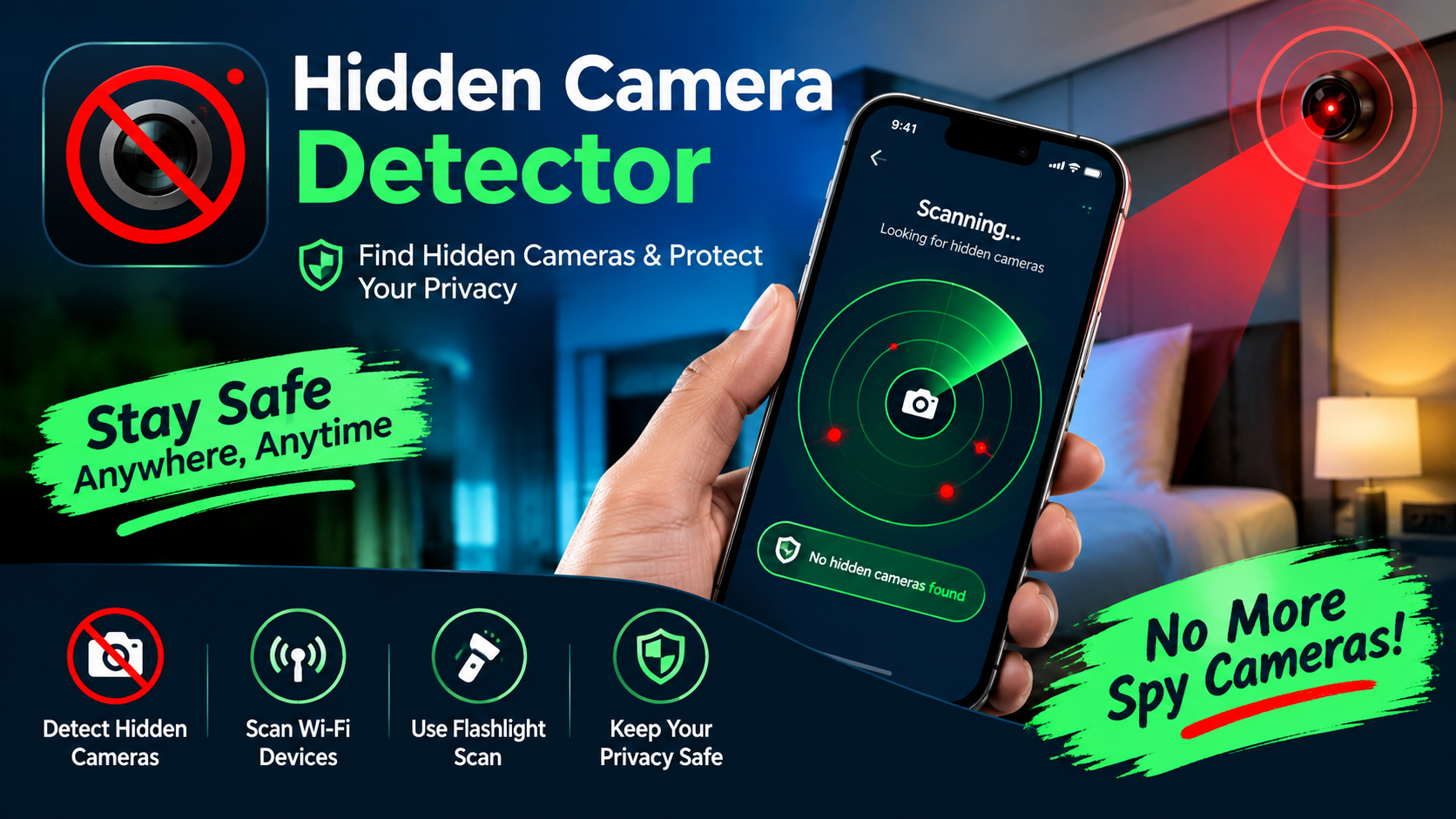
Developed by LeoStudio Global Ltd., CamX positions itself as an all-in-one solution for detecting hidden cameras through multiple scanning methods. The app's feature list is impressive on paper, offering:
- WiFi Scanning: Detects hidden cameras connected to your network
- Bluetooth Detection: Identifies spying devices via Bluetooth signals
- Infrared (IR) Detection: Spots infrared lights emitted by cameras, even in darkness
- Magnetometer Scanning: Uses your phone's magnetic sensor to find cameras concealed in everyday objects
- Lens Detection: Leverages your phone's camera to catch reflections from hidden lenses
- Device Location Identification: Pinpoints the exact location of detected cameras
The app also includes a "Find My Bluetooth Device" feature, which helps locate misplaced wireless earbuds or smartwatches. With over 1 million downloads on Google Play, CamX has clearly attracted significant attention from privacy-conscious users.
The Technical Reality: How Effective Are These Methods?
While the feature list sounds comprehensive, the actual effectiveness of these detection methods varies considerably. The WiFi and Bluetooth scanning functions work by identifying devices connected to your network or broadcasting nearby signals — a legitimate approach, though it requires the hidden camera to be wireless and actively transmitting. The lens detection method essentially uses your phone's camera to spot reflective surfaces, which is a technique that can work in theory but demands careful execution and optimal lighting conditions.
The infrared detection feature, which claims to work "even in the dark," is particularly dependent on your phone's camera hardware — specifically, whether it can pick up IR light without an IR filter blocking it. Meanwhile, the magnetometer scan uses your phone's compass sensor to detect magnetic fields, which could theoretically identify electronic devices but may also produce false positives from other magnetic sources nearby.
What Users Are Saying: Praise and Frustration
The app's review section paints a mixed picture of the user experience. On the positive side, one French user noted that the app "finds its usefulness" when suspecting surveillance, particularly "if one suspects the presence of a journalist who has a hidden camera on them". Another user praised it as "very useful for feeling safer," specifically highlighting the infrared detection tool as "great".
However, a significant number of users have expressed frustration about the app's monetization strategy. One reviewer bluntly stated, "Everything costs money", while another commented, "It would be better if it were free". A particularly critical user on iOS pointed out that you can achieve similar results by simply turning on your phone's flashlight and looking for lens reflections — "I just saved you $3.99 and from feeling duped by this joke of a spy cam detection tool". This sentiment suggests that while the app may offer convenience, some users feel the premium pricing doesn't deliver proportional value.
The Subscription Model: A Barrier to Trust
One of the most contentious aspects of CamX is its reliance on in-app purchases, with prices ranging from $2.99 to $19.99 per item. Multiple reviewers have complained about paying for subscriptions only to find that key features remain locked behind additional paywalls. One user on AppRecs described paying $59 for a year, only to be asked to upgrade again — and even after upgrading, the app still didn't function as expected.
This monetization approach creates a fundamental trust issue for a privacy tool. Users who are already anxious about being watched are unlikely to appreciate being nickel-and-dimed by the very app they hoped would protect them. The developer's responses to negative reviews, while polite, consistently emphasize that "the pricing reflects the effort and technology involved" — a justification that has clearly not satisfied many users.
Developer Credibility: What We Know About LeoStudio Global
LeoStudio Global Ltd. is a Hong Kong-registered company with a portfolio of over 30 apps and a reported 53 million installs across its products. The developer's website, leostudio.global, received a trust score of 46 from ScamAdviser, which noted the site "seems legit and safe to use" but highlighted that it has relatively few visitors and hides its WHOIS ownership data.
The company has faced similar criticism on other apps in its portfolio. A review of its AI Note Taker app on AppRecs mentioned a user who paid $59 annually only to find the app still demanded an upgrade. Another review of its Disposable Camera Events app described it as feeling "like a scam" after a paid feature failed to work. These patterns suggest a company that prioritizes monetization aggressively, sometimes at the expense of user satisfaction.
Practical Alternatives: What You Can Do Without the App
For those skeptical of paying for CamX, there are several free or low-cost methods to check for hidden cameras:
- Use your phone's flashlight: Turn off the lights and slowly scan the room with your flashlight. Camera lenses will reflect light back at you.
- Check your WiFi network: Log into your router's admin panel and look for unknown connected devices.
- Inspect suspicious objects: Look for unusual items like smoke detectors, alarm clocks, or phone chargers positioned with a clear view of the room.
- Use a dedicated RF detector: Physical devices that detect radio frequencies are more reliable than phone apps for finding wireless cameras.
- Trust your instincts: If something feels off about a space, it might be worth a thorough manual inspection.
Final Verdict: A Tool With Potential, But Caveat Emptor
Hidden Camera Detector - CamX offers a genuinely appealing concept wrapped in a user-friendly interface. For casual users who want a quick, multi-layered scan of their surroundings, it can serve as a starting point. The combination of WiFi, Bluetooth, and IR detection methods provides a broader net than many single-method alternatives.
However, the app is not a guarantee of privacy. Its effectiveness depends heavily on the specific camera being detected, your phone's hardware capabilities, and proper usage techniques. More concerning is the aggressive monetization that has left many users feeling cheated, and the developer's track record of similar complaints across multiple apps.
If you decide to try CamX, approach it as one tool among many — not a definitive solution. Be wary of subscription traps, and consider whether the convenience justifies the cost when simpler, free methods exist. In the end, protecting your privacy requires vigilance and multiple layers of defense, not just an app on your phone.