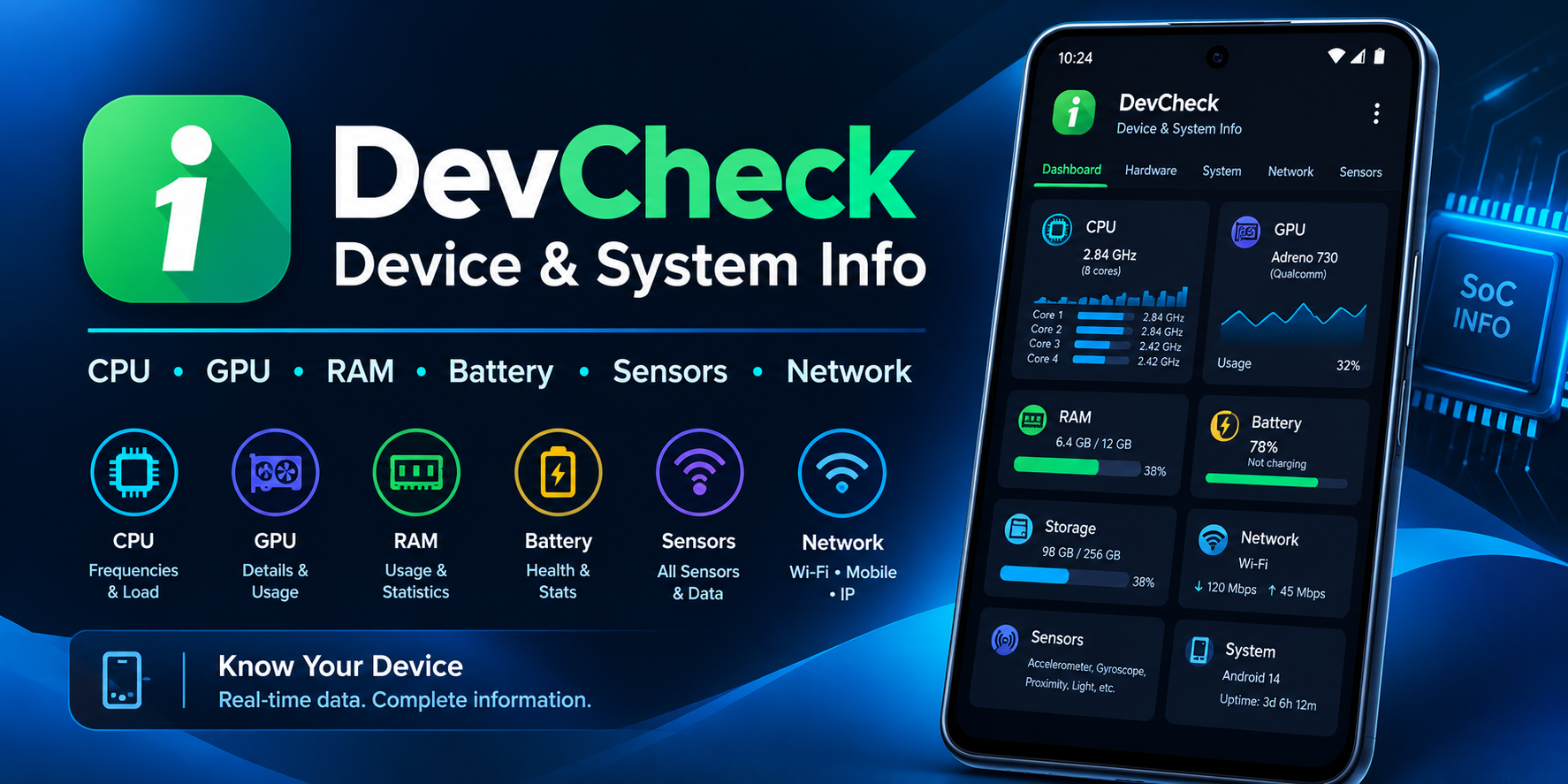
If you've ever wondered what's actually happening inside your phone—not just the surface-level stats Android shows you, but the real-time CPU frequencies, battery health metrics, sensor data, and hardware specifications—DevCheck is the app that answers those questions. Developed by flar2, a well-known name in the Android modding community behind projects like ElementalX kernels, DevCheck has been evolving since 2015 and has earned a reputation as one of the most comprehensive and trustworthy hardware information tools on the platform . Unlike many "system info" apps that simply repackage basic Android APIs into a flashy interface, DevCheck digs deep into your device's hardware and exposes details that manufacturers often don't advertise. Let's explore what makes this app stand out, where it falls short, and whether it deserves a place on your device.
A Dashboard That Tells You Everything at a Glance
The first thing you see when you open DevCheck is the Dashboard, and it's immediately clear that this app respects your time. Instead of burying critical information in nested menus, the dashboard presents a comprehensive overview of your device's current state—CPU frequencies, memory usage, battery statistics, deep sleep status, and uptime—all in real time .
What makes the dashboard particularly useful is its integration with system settings. Rather than just showing you numbers, it provides shortcuts to the relevant Android settings pages, so you can act on the information immediately. For example, if you notice your battery is draining unusually fast, you can tap through to battery settings to investigate further. This thoughtful design philosophy—present information, then enable action—runs throughout the entire app. For technicians diagnosing issues or power users monitoring performance, this real-time visibility is invaluable.
Hardware Information That Goes Deeper Than Any Competitor
Where DevCheck truly shines is in its hardware reporting. The app provides some of the most detailed CPU and System-on-Chip (SoC) information available on Android, including chip names, manufacturers, architecture, processor core configurations, manufacturing processes, frequencies, and governors .
For anyone who's ever tried to figure out exactly which variant of a processor their phone has, or wanted to verify that a refurbished device actually contains the components it's supposed to, DevCheck is indispensable. The app also covers:
- GPU specifications including core counts and driver details
- Memory and storage capacity and configuration
- Bluetooth hardware information
- Display specifications including resolution and density
- Input devices and sensor listings
This level of detail isn't just for curiosity—it's genuinely useful for troubleshooting, buying used devices, or verifying specifications before making a purchase. As one reviewer noted, the app is "super thorough and invasive, yet appears lightweight" .
Battery Monitoring That Actually Helps You Understand Your Device
Battery life is one of the biggest concerns for any smartphone user, and DevCheck's battery section delivers real-time information that goes far beyond the basic percentage Android shows you. You get status, temperature, level, technology, health, voltage, current, power, and capacity—all updated live .
The Pro version unlocks the Battery Monitor service, which provides detailed usage tracking with screen-on and screen-off statistics . This is particularly valuable for identifying what's draining your battery when you're not actively using your phone. Instead of guessing why your device dies overnight, you can see exactly how much power is being consumed during sleep. For users experiencing battery issues, this feature alone can justify the Pro upgrade. The app also reports battery cycle counts, which is essential information for anyone buying a used phone or tracking their battery's long-term health .
Network and Sensor Data for the Curious and the Technical
DevCheck's network section provides detailed information about Wi-Fi and mobile connections, including IPv4 and IPv6 addresses, connection details, operator information, phone and network type, public IP address, and what reviewers have called "one of the most complete dual-SIM implementations available" .
For users who juggle multiple SIM cards or frequently troubleshoot connectivity issues, this level of detail is a godsend. The app also includes sensor monitoring with real-time graphical data for accelerometer, step detector, gyroscope, proximity, light, and other sensors . Whether you're a developer testing sensor-dependent apps or just curious about what sensors your phone actually has, the visual representation makes the data accessible and understandable. This combination of network and sensor information transforms DevCheck from a simple spec sheet into a genuine diagnostic tool.
Privacy and Security: A Clean Bill of Health
In an era where even "utility" apps often come packed with trackers and data collection, DevCheck stands out as remarkably clean. Analysis by Exodus Privacy, a respected independent auditor, found zero trackers in the app . The developer explicitly states: "No personal data is ever collected or shared. Your privacy is always respected. DevCheck is completely ad-free" .
The app does request a substantial number of permissions—33 in recent versions according to Exodus—but this is expected for an app that needs to access detailed hardware information . Permissions include location (for network info), Bluetooth, camera, microphone, and system-level access. Importantly, the app is fully functional without granting many of these permissions, but certain features will be limited. For privacy-conscious users who still want powerful diagnostics, DevCheck represents a rare combination of capability and respect for user data.
The Pro Version: What You Get and Whether It's Worth It
DevCheck is free to download and use, but the Pro version—available via in-app purchase—unlocks several features that power users will find valuable :
- All tests and tools, including flashlight, vibrator, buttons, multitouch, display, backlight, charging, speakers, headset, earpiece, microphone, and biometric scanner tests
- Battery Monitor service for detailed usage tracking
- Home screen widgets showing battery, RAM, and storage stats
- Floating monitors—customizable, always-on-top transparent overlays displaying real-time CPU frequencies, temperatures, battery status, and network activity
- Benchmarking tools
- Custom color schemes
The floating monitors are particularly useful for anyone monitoring system performance while using other apps—gamers checking CPU temperatures, power users watching for thermal throttling, or technicians diagnosing performance issues. However, some users have reported licensing frustrations, including issues with restoring purchases after updates and unclear cross-device usage policies . These complaints are worth noting if you're considering the Pro upgrade.
Real User Experiences: Praise and Legitimate Criticisms
DevCheck enjoys a strong 4.6-star rating across major platforms, with over 5 million downloads and nearly 25,000 reviews on Google Play alone . Users consistently praise its depth of information, clean design, and the absence of ads .
However, some legitimate criticisms have emerged:
- Inaccurate data in some areas: Several users have reported discrepancies, such as RAM showing 3GB when the device actually has 6GB, or inaccurate screen size measurements
- OS/API version reporting: The app sometimes reports Android version versus API level in ways that can be confusing
- Licensing concerns: Restore purchases issues and questions about lifetime vs. subscription licensing have frustrated some Pro users
- GPU monitor issues: Recent versions have required SELinux to be disabled on some devices to view GPU monitoring data, which is problematic for non-rooted users
These aren't deal-breakers for most users, but they're worth knowing before you commit to the Pro upgrade. The developer appears responsive to feedback, and the app receives regular updates, so some of these issues may be resolved over time.
Final Verdict: Essential for Enthusiasts, Useful for Everyone Else
DevCheck isn't for everyone. If you're perfectly happy knowing only your phone's model name and storage capacity, you probably don't need this app. But if you're the type of person who wants to understand what's actually happening inside your device—or if you're troubleshooting performance issues, buying used hardware, or just curious about the technology in your pocket—DevCheck is one of the best tools available.
Who should download it:
- Android enthusiasts and power users who want deep system visibility
- Technicians and IT professionals who diagnose device issues
- Anyone buying a used phone who wants to verify specifications
- Privacy-conscious users who want a diagnostics tool without trackers or ads
Who might skip it:
- Casual users who don't care about hardware details
- Anyone frustrated by permission-heavy apps (even if the permissions are justified)
- Users who need perfectly accurate data for critical decisions (some inconsistencies have been reported)
The free version offers more than enough functionality for most users, and the Pro upgrade is a reasonable investment for those who need the advanced monitoring tools. With zero trackers, no ads, and a developer with a solid reputation in the Android community, DevCheck earns its place as a genuinely useful utility rather than another piece of bloatware.